
Simplify your fleet spending with Apple Pay
Apple Pay is an easy, fast and secure way to pay. Octopus Fleet Card & Payment Card are available on your Apple devices.

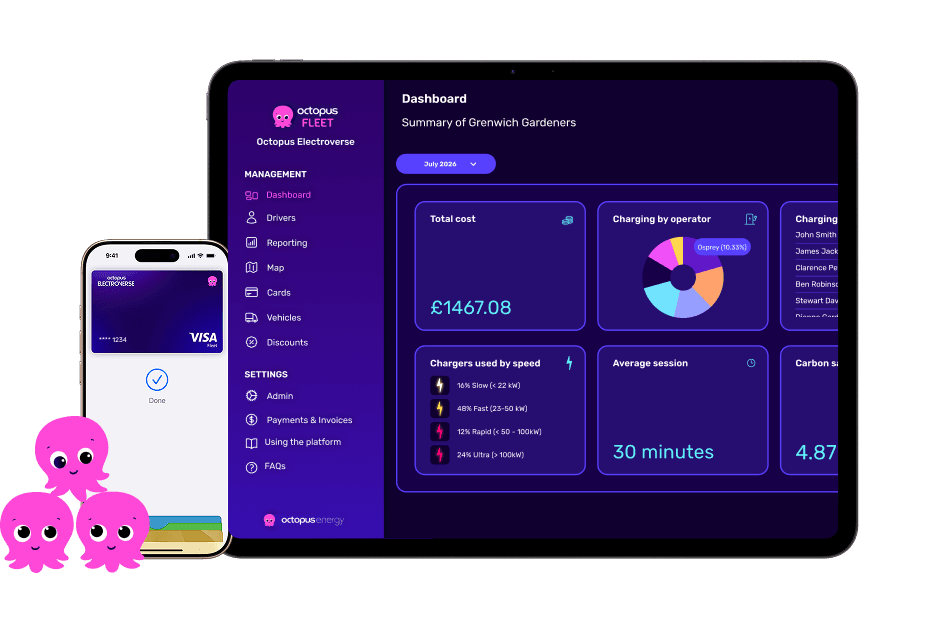
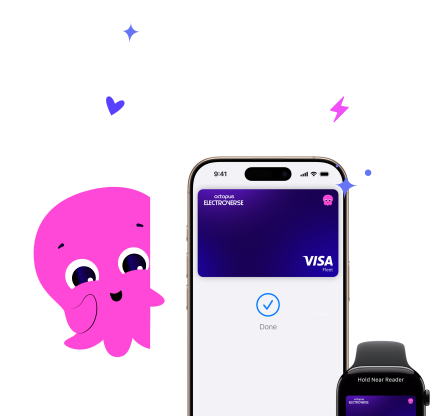
Apple Pay. Made to be secure.
We’re all about transparency and making your life on the road stress-free. With Apple Pay and Octopus Fleet, you get the gold standard of security without the faff of a physical wallet.
FaceID & TouchID: Only you can spend. No stolen PINs, no "guessing" passwords.
Privacy First: Card numbers are never shared with merchants or stored on the device.
Instant Freeze: If your phone goes missing, your fleet manager can lock the card instantly from the Octopus Fleet dashboard.
Just tap and go.
Double-click the side button on your iPhone or Apple Watch, authenticate with FaceID, and hold it near the contactless reader.
No matter where you are, you’re done in seconds.
Feel free to leave your wallet at home. With Apple Pay, you can pay with your Octopus Fleet card straight from your iPhone or Apple Watch.
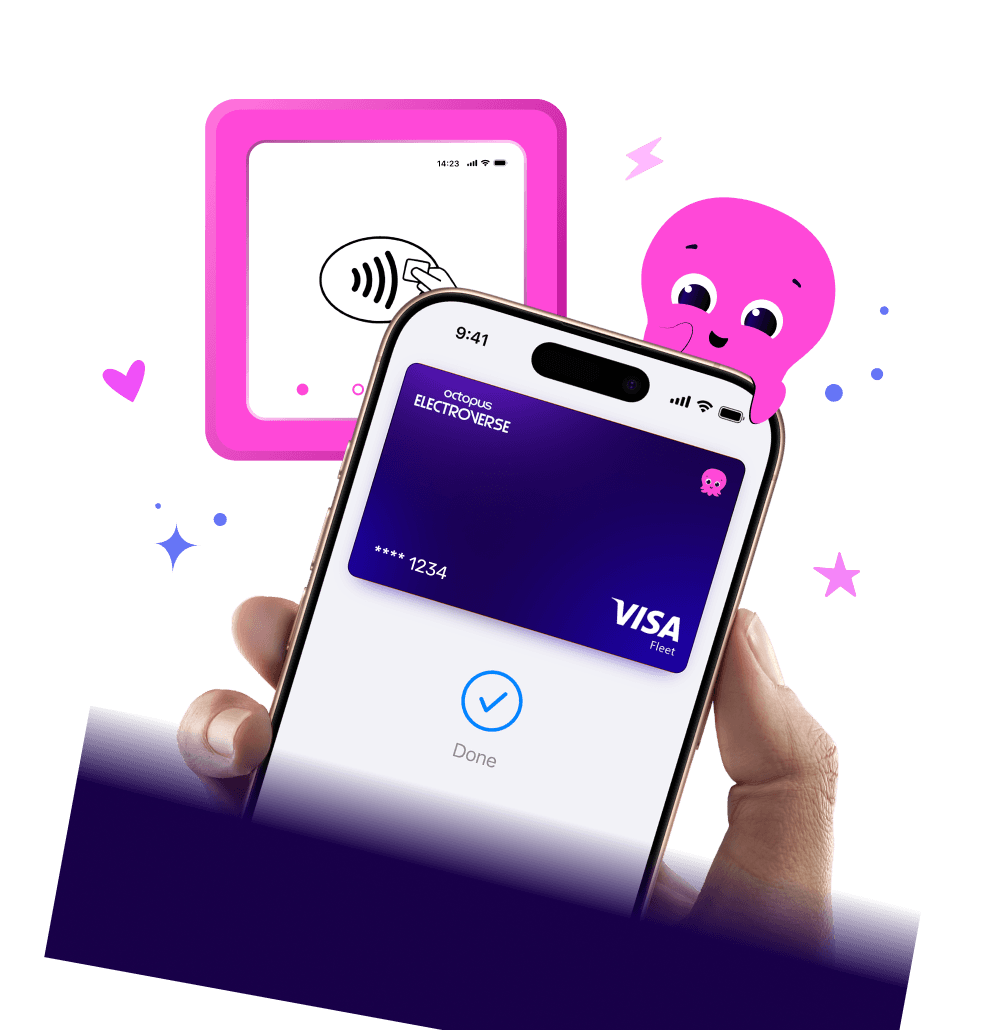
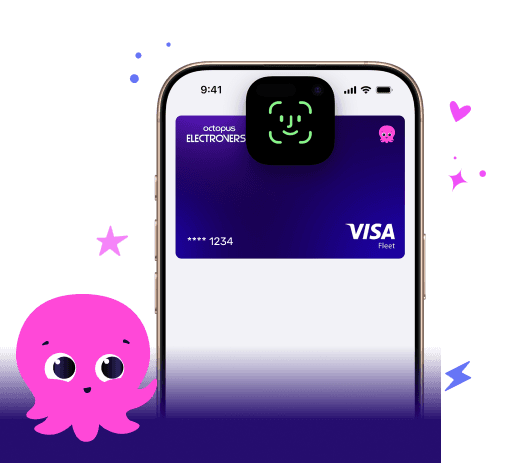
How to pay on the go
Forget fumbling around for a corporate card at the kiosk while you're on the go.
Double-click the side button on your iPhone or Apple Watch.
Authenticate with FaceID or your passcode.
Hold near the contactless reader at the pump or the till.
Done. Simply snap a picture of your receipt and upload it to the Octopus Fleet Pay app.
Apple Pay Frequently Asked Questions
Where can I use Apple Pay?
You can use Apple Pay whenever you see one of these symbols:

How do I get my Fleet Card or Payments Card onto my phone?
It’s easy. You don’t even have to wait for your physical card to arrive in the post.
Open the Octopus Fleet Pay App.
Go to ‘My Cards’.
Tap ‘Add to Apple Wallet’ and follow the quick prompts.
You’re ready to roll.
Is Apple Pay available for public charging?
Not currently - Apple Pay is only compatible with the Fleet Card and Business Payments Card.
Where can I actually use it?
Pretty much everywhere! You can use Apple Pay wherever you see the contactless symbol.
Fuel & Diesel: Use your Fleet Card at the pump or kiosk.
Daily Spend: Use your Business Payments Card for meals, tolls, hotels, or that emergency bottle of screen wash.
What version of the app do I need to use Apple Pay?
You’ll need version v1.5 or higher of the Octopus Fleet Pay app to use Apple Pay.
To update your app, open the App Store, search for our app, and tap Update.
Is there a spending limit?
Your fleet manager will have set a spending limit on your card, which you can find in the Octopus Fleet Pay App. While the typical £100 contactless limit for physical cards doesn’t apply, it’s worth understanding the guidelines set by your business.
What happens if I lose my phone?
First, don't worry - your money is safer on your phone than in a physical wallet.
Your card details aren't actually stored on the device.
No one can spend a penny without your FaceID, TouchID, or passcode.
Give your Fleet Manager a shout, and they can freeze the card instantly in the dashboard while you find your device.
Does the merchant see my card details?
Nope. When you tap, Apple Pay uses a unique code for that specific transaction. Your actual card number stays private and secure, just the way we like it.
The card reader is asking for a PIN - what do I do?
With Apple Pay, you shouldn't need a PIN because your FaceID or Passcode counts as your authorisation. If a reader is being stubborn, just make sure you've authenticated on your device first, then hold it close to the symbol.
Why should I use Apple Pay instead of a physical card?
Speed: No fumbling for a wallet at a busy petrol station.
Security: If you lose your wallet, your cards are gone. If you lose your phone, your cards are locked behind your face or fingerprint.
Ease: With Apple Pay, you can pay quickly and easily with your Octopus Fleet card straight from your iPhone or Apple Watch
Apple Pay Disclaimer
To use Apple Pay you need a supported card from a participating card issuer. To check if your card is compatible with Apple Pay, contact your card issuer.
Apple Pay is not available in all markets. View Apple Pay countries and regions.
Features are subject to change. Some features, applications, and services may not be available in all regions or all languages and may require specific hardware and software. For more information, see Feature Availability.
Still stuck?
Drop us a message at hello@octopusfleet.com for support or chat with your fleet manager to ensure your cards are active!